

A busy counter exposes weak EPOS quickly. A patient is waiting for advice, a colleague needs to check stock, a prescription question comes through, and the card terminal loses connection. A useful pharmacy till software comparison is therefore not about finding the longest feature list. It is about choosing a system that helps your team serve patients accurately, protect margin and keep the day moving.
Generic retail tills can process transactions well enough. Community pharmacy, however, has additional pressures: medicine-related queries, PMR look-ups, supplier ordering, controlled product pricing, seasonal demand and services such as Pharmacy First. The right choice depends on your pharmacy’s workflow, estate size and plans for growth, but the questions below will help separate a basic point-of-sale system from a pharmacy-ready counter platform.
Start your pharmacy till software comparison at the counter
The counter is where retail service, patient care and commercial decisions meet. Software should reduce the number of times a team member has to leave the sale, switch systems or ask a colleague for help.
Ask to see a live sale from start to finish. Can the operator find a product quickly by name, barcode or department? Is the price clear? Can they apply an appropriate promotion without creating confusion? Can they take payment, print or send a receipt, and deal with a return without slowing the queue?
Speed matters, but it is not the only measure. A pharmacy counter system should also make the relevant information available at the point it is needed. Access to PMR information at the till, where appropriately integrated and permissioned, can help staff respond to patient questions without disrupting the consultation or dispensing workflow. That can mean fewer interruptions for the pharmacist and a more confident conversation with the patient.
Look closely at the screen layout as well. A touchscreen that is simple during a quiet Tuesday morning may become difficult to use during the after-school rush if commonly used actions are buried in menus. Pharmacy teams benefit from clear product search, logical department buttons, visible prompts and roles that match the work being done.
Check the fit with your PMR and services
An EPOS system does not need to replace your PMR to add value. Its role is to bring useful dispensing-adjacent information into the counter environment while keeping systems working in their proper place.
When comparing suppliers, ask precisely what is integrated, what data can be viewed, and what the counter user can do with it. Do not accept broad claims of “integration” without a demonstration of the actual workflow. The practical questions are whether it saves steps, reduces duplicate entry and supports safe, appropriate interactions with patients.
The same applies to Pharmacy First and other patient services. Some pharmacy-focused systems can prompt teams to identify relevant service opportunities or record activity for operational reporting. That may support more consistent conversations, but only if the prompts are useful rather than intrusive. A system that produces a prompt at the wrong moment can create more pressure, not less.
Compare stock, pricing and ordering as one process
Stock control is often where the financial value of specialist pharmacy software becomes clearer. A till should not simply record that an item was sold. It should help you understand what is selling, what is not, where availability is becoming a problem and how retail stock relates to purchasing decisions.
Start with product data and pricing. Ask how frequently pricing information is updated, whether the platform supports C&D pricing data, and how easily your team can manage local prices, promotions and margin-sensitive lines. Clear pricing helps avoid awkward counter conversations and gives owners more control over categories that can otherwise drift.
Then test the ordering workflow. Can the system create meaningful suggested orders based on sales and stock position? Does it connect with relevant suppliers? Can staff investigate exceptions before an order is sent? Automated suggestions can save time, but they should remain transparent. A pharmacy needs to know why an item has been recommended, especially where cash flow and stockholding are under pressure.
There is a trade-off here. Highly automated stock tools can be valuable for a busy group with consistent processes, while a single independent pharmacy may prioritise straightforward visibility and easy adjustments. Neither approach is inherently better. The best system is the one that gives your team control without adding administration.
Do not overlook retail reporting
Web-based reporting should answer ordinary management questions without needing a spreadsheet project at the end of every month. Owners and branch managers need to see sales by department, product performance, promotion results, transaction patterns and staff activity in a format they can act on.
For multi-site operators, consistency is especially important. Comparable reporting across branches makes it easier to identify a strong category in one location, spot a stock issue in another and make informed buying decisions. For an independent, timely reporting can show whether a new range is earning its space or simply tying up cash.
A supplier demonstration should include the reports you will actually use. Ask to see a daily trading view, product and category performance, stock reporting, exceptions and service-related activity where available. If a report requires extensive training to interpret, it may not be used when the pharmacy is busy.
Assess hardware and payments alongside the software
Till software is only as dependable as the counter setup around it. A low-cost software quote can become expensive if hardware is mismatched, installation is poorly planned or support is split across several providers.
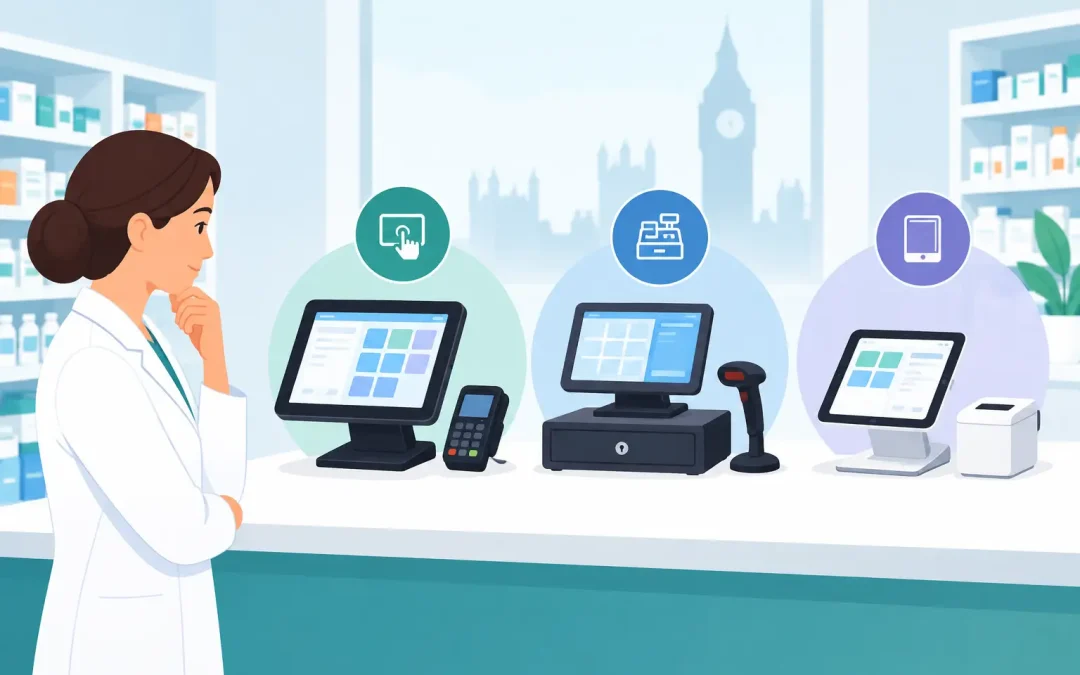
Consider the complete counter environment: touchscreen terminals, barcode scanners, receipt printers, cash drawers, customer-facing displays, card machines, rear advertising screens and kiosks where appropriate. These should work together in a way that suits the physical space and the team’s routine. A compact counter may need a different configuration from a high-footfall health centre pharmacy or a branch with a strong retail offer.
Payment processing deserves the same scrutiny. Compare card-processing rates, but also check reliability, terminal replacement arrangements, reconciliation and whether the payment flow is integrated with the till. A small difference in transaction costs can matter over a year, yet a cheaper rate is not worthwhile if payment issues create queues or make end-of-day balancing harder.
Ask who takes responsibility when there is a problem. If your EPOS provider, hardware supplier and payment provider all point elsewhere, the pharmacy carries the disruption. A single accountable technology partner can make fault resolution much simpler.
Calculate whole-life cost, not just the initial quote
A fair pharmacy till software comparison includes the costs that appear after installation. These can include monthly software licences, support charges, updates, replacement hardware, payment costs, on-site call-outs and training for new staff.
Request a clear breakdown covering the first year and the likely ongoing cost. Confirm what is included in installation, data setup, training, helpdesk access and maintenance. If there are no monthly software or licence fees, establish exactly what service commitment sits behind that proposition. Transparency makes budgeting easier and prevents a low headline price from becoming a costly long-term arrangement.
It is also sensible to discuss implementation in detail. How will existing product data, departments and prices be handled? Who installs the equipment? How much disruption should the pharmacy expect? Will the team receive training on the actual configuration they will use? A good rollout recognises that pharmacies cannot simply stop serving patients while technology is changed.
Put support and resilience on the shortlist
Support is not an optional extra for a pharmacy. When a till, printer or payment terminal fails, the effect is immediate: longer queues, frustrated patients, manual workarounds and lost retail sales.
Compare helpdesk hours, seven-day availability, response processes and field engineering coverage. Ask whether support is delivered in-house or passed to a third party. Find out how remote diagnosis works and when an engineer can attend site. For pharmacies with extended opening hours or more than one branch, these details are as important as the software features.
Resilience also means asking what happens during an internet outage, power issue or hardware failure. Your supplier should be able to explain practical contingency arrangements in plain English. The aim is not to eliminate every fault – no system can promise that – but to minimise disruption and restore normal service quickly.
Choose a partner that understands pharmacy pressure
The strongest decision is usually not the system with the most functions. It is the system that supports the way your pharmacy works now and gives you room to improve how it works next year. For some teams, that means faster retail transactions and clearer stock control. For others, PMR access at the counter, Pharmacy First prompts, multi-site reporting or a better payments arrangement will carry more weight.
Before signing, involve the people who will use the system every day: pharmacists, dispensers, counter colleagues and managers. Give them realistic scenarios to test, from a simple sale to a stock query, patient question, refund and end-of-day report. Their feedback will show where a demonstration performs well and where it only looks good on paper.
MedEpos approaches this as a pharmacy infrastructure decision, combining specialist EPOS with counter hardware, payments, implementation and ongoing support. Whatever provider you choose, select one that can explain the workflow, commercial model and support commitment clearly. The right till system should leave your team with less admin, more insight and more time for the patient in front of them.