

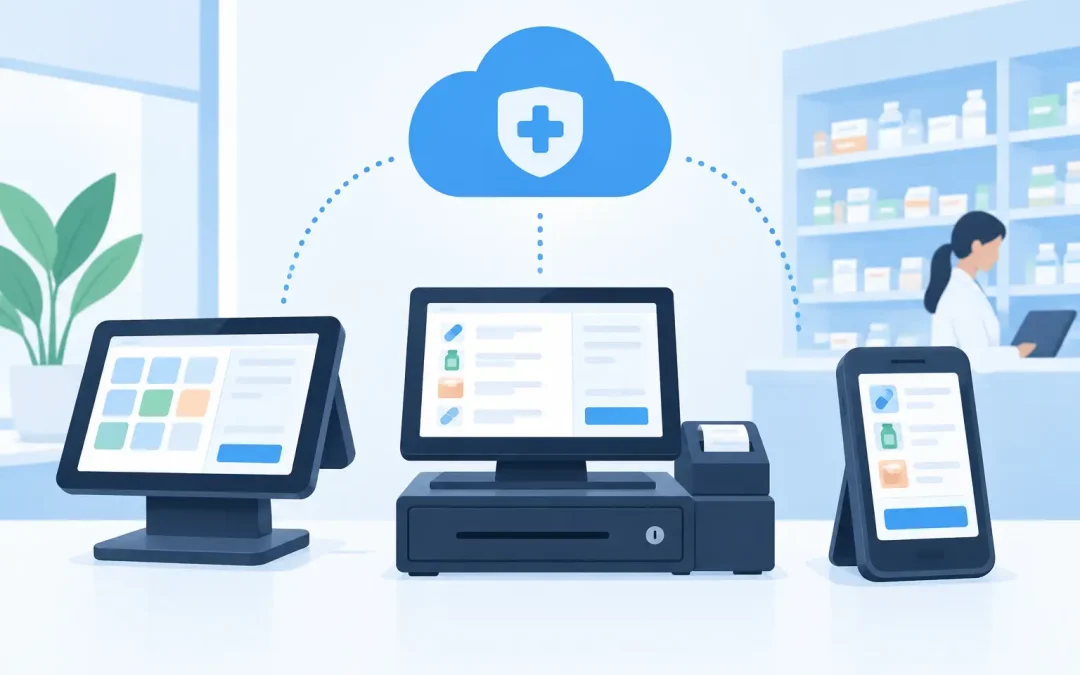
A pharmacy counter is not a conventional retail till. It is where a patient asks about a service, a dispenser needs a price checked, a team member spots a stock issue and a payment needs to be completed without holding up the queue. A useful cloud pharmacy POS comparison therefore needs to look beyond screen design and headline features. The right system should help the whole pharmacy work with less pressure at the counter, not simply move transactions online.
For independent pharmacies and growing groups, cloud capability can bring valuable reporting, central visibility and easier access to information. But it also raises practical questions. What happens if the internet connection fails? Which data is available at the counter? Who installs and supports the hardware? And are ongoing fees proportionate to the operational benefit?
What cloud should mean for a pharmacy POS
Cloud POS generally means that some or all system data, reporting and management tools are accessed through an internet connection rather than being held only on a computer in the pharmacy. This can be highly useful for owners who need to review performance away from the branch, compare locations or make decisions using current sales and stock information.
However, cloud is not a measure of pharmacy suitability. A generic cloud retail system may offer basic product records, receipts and card payments, yet still leave the team switching between systems to check patient information, place supplier orders or understand service activity. That creates more clicks at the busiest point of the day.
A pharmacy-first EPOS approach connects counter activity to the realities of community pharmacy. Depending on the configuration, this includes PMR access at the counter, pharmacy pricing data, stock controls, supplier ordering and prompts that support Pharmacy First activity. The cloud element should improve management visibility without compromising dependable service when patients are standing in front of the team.
Cloud pharmacy POS comparison: start with the counter
The most reliable way to compare systems is to follow a typical transaction from start to finish. Ask the supplier to demonstrate a real counter scenario, not just a product sale. For example, a patient may collect a prescription item, buy an OTC product, ask about a Pharmacy First service and pay partly by card. Can the team find the relevant information quickly, apply the right price and complete the transaction without unnecessary workarounds?
Speed matters, but accuracy matters just as much. A low-cost POS can appear simple because it holds limited pharmacy data. The hidden cost is paid later through price queries, manual stock adjustments, missed service opportunities and time spent checking a separate system. A specialist platform should reduce those hand-offs while retaining clear controls over what staff can see and do.
Look closely at the counter interface. Buttons should be easy to understand for pharmacists, dispensers and counter assistants, including new starters. Product search needs to be fast, promotions should be straightforward to apply and receipts should be clear. If the system supports customer-facing displays or rear advertising screens, assess whether these will genuinely improve patient communication and retail sales rather than add another screen to manage.
Reporting is useful only when it changes decisions
Cloud reporting is often the first benefit suppliers promote, and for good reason. Web-based reports can help an owner see sales patterns, margin performance, payment totals and branch activity without being physically present. For multi-site pharmacies, a consistent view across locations can make it easier to identify where stock, merchandising or staff processes need attention.
The quality of reporting depends on the data going in. A system that captures pharmacy-relevant pricing, product movement and service-related activity gives a more meaningful picture than one that records only basket totals. Reports should answer practical questions: which categories are growing, which lines are slow-moving, how are promotions performing, and where is cash or card activity changing?
Avoid choosing a system purely because it has the most dashboards. Teams need reports that are clear enough to act on. A branch manager may need daily sales visibility and exceptions. An owner may need comparative branch reporting and margin trends. The best setup presents each person with useful information rather than a wall of figures.
Check stock, pricing and ordering in detail
Stock is one of the largest controllable costs in a pharmacy. A POS system can support better decisions only if its stock tools reflect how pharmacy purchasing and retailing actually work. Check whether item records, pricing data and supplier ordering are integrated into the normal workflow. If staff must export data, rekey orders or maintain separate price lists, the promised time saving can disappear quickly.
C&D pricing data is particularly relevant when comparing pharmacy systems. Accurate, current pricing at the point of sale helps teams respond confidently to patient queries and protects margin. It also reduces the risk of a counter colleague manually guessing a price or delaying a sale while someone checks elsewhere.
Ask how the system handles stock counts, adjustments, reorder prompts and supplier orders. No platform can remove the need for sound buying discipline, but it should make that discipline easier. The right tools provide visibility of what is selling, what is sitting on the shelf and what needs attention before it becomes a write-off.
Payments and hardware are part of the decision
Cloud software cannot compensate for unreliable counter hardware. A pharmacy POS comparison should include the complete installed environment: touchscreen terminals, scanners, receipt printers, cash drawers, card terminals, kiosks and customer displays where required. Equipment needs to fit the available counter space, withstand daily use and be supported when a component fails.
Payment processing deserves the same scrutiny. Card rates, terminal reliability, settlement reporting and support arrangements all affect day-to-day profitability and service. A low software price can be offset by expensive processing charges or an inflexible payment contract. Request a clear, like-for-like quotation and understand what is included before comparing offers.
There is also a practical question around ownership. Some suppliers charge monthly software licences, cloud subscriptions, support fees and additional costs for reports or integrations. Others structure their offer around system supply with no monthly fees or software licence fees. Neither approach is automatically better, but owners should calculate the total cost over several years, including support, hardware replacement and payment charges.
Uptime, security and support cannot be an afterthought
Every pharmacy relies on connectivity, so it is sensible to ask how a cloud-enabled EPOS behaves during an internet interruption. Can the team continue serving patients? Which functions remain available? How is data protected and synchronised once the connection returns? A supplier should give direct answers, not vague reassurance.
Security also includes staff access. Different roles need different permissions, and managers should be able to maintain oversight of refunds, voids, discounts and cash movements. Good controls protect the business while allowing capable team members to serve patients without constantly asking for authorisation.
Support arrangements reveal a great deal about a supplier. Generic POS providers may offer remote assistance during standard business hours, which can be enough for some retailers. Pharmacy has different pressures, particularly when a counter failure disrupts prescription collections and patient service. Check whether the provider supplies, installs and maintains the equipment, whether engineers can attend site when needed, and what support is available at weekends.
MedEpos is designed around this full-service requirement, combining pharmacy EPOS software with counter hardware, payment processing, installation, training and ongoing technical support. For a pharmacy owner, having clear responsibility across the system can be far more valuable than managing separate software, hardware and payment suppliers.
Choose for your operating model, not a feature checklist
A single-site pharmacy with a straightforward retail offer may prioritise an uncomplicated counter setup, reliable payments and useful stock reporting. A growing group may place more value on central management, standardised processes and comparable reporting between branches. Pharmacies increasing their clinical service activity should also consider whether the system supports staff prompts and records that make those interactions easier to manage.
Before making a decision, involve the people who will use the system every day. Ask counter staff where queues build, ask dispensers where information is hard to find and ask managers which reports they currently lack. Their answers will expose whether a prospective system solves genuine operational problems or merely presents a more modern interface.
The right cloud pharmacy POS is not the one with the longest feature list. It is the one that gives your team dependable information at the counter, clearer control behind the scenes and practical support when the pharmacy needs it most.